

Hiding an account #
There may be an instance where you need to hide an account within the app. Frequent scenarios are joint accounts with a child or partner, business accounts, or credit cards where a companion card has been issued.
Piere makes hiding these accounts simple while maintaining their connections to the app. Likewise, you can unhide an account just as simply.
How do I hide an account in Piere? #
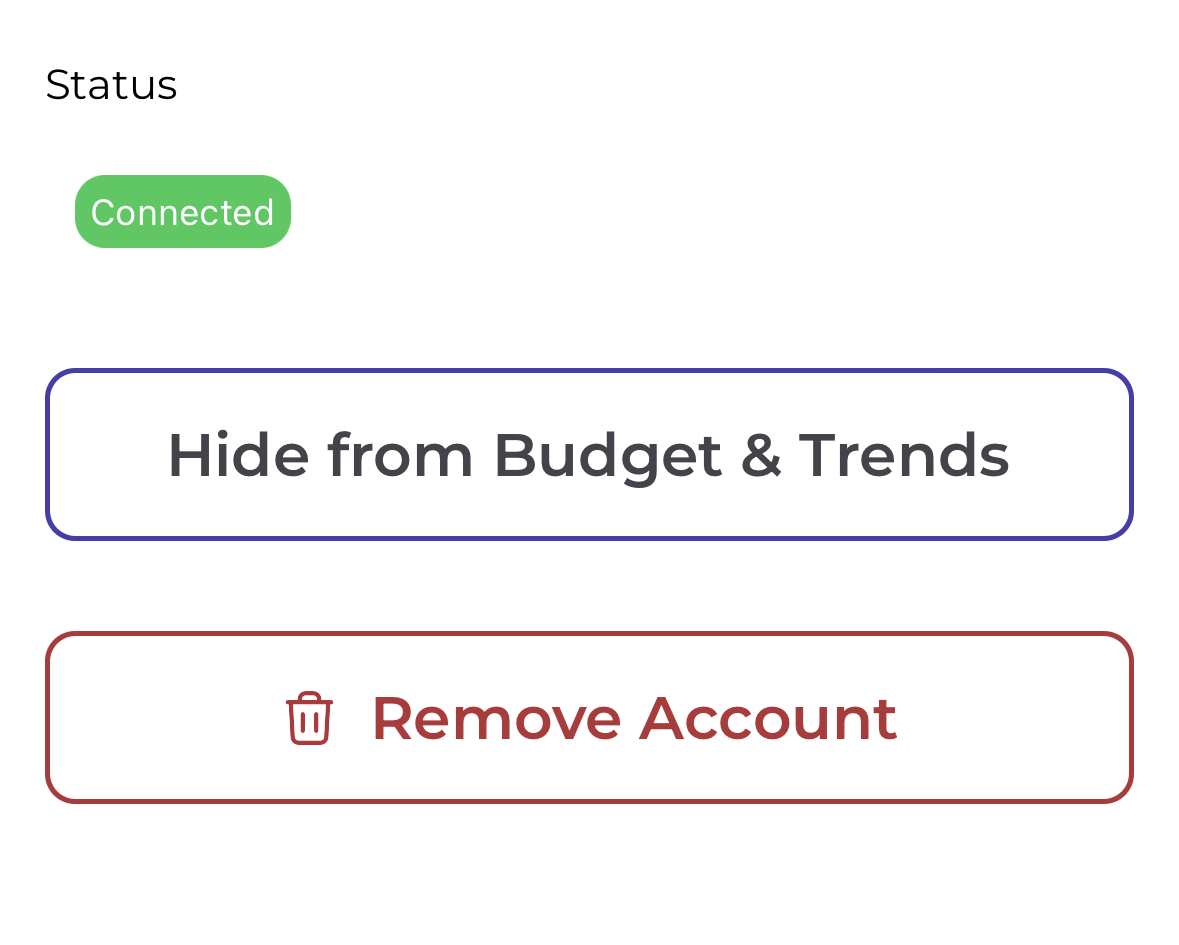
- You can hide any account within Piere from the Institutions page (Profile > See all institutions) in the app. Once you have the Institutions page open, open the institution, then tap the account you’d like to hide. Next, tap “Hide from budget” (and “Hide from net worth” if you also want it excluded from net worth). From this point onward you won’t see any transactions from the hidden account in the app.
How do I unhide an account in Piere? #
- If you’ve previously hidden an account within Piere, you’ll need to visit the “Accounts” page to unhide it. From the Accounts page, tap on the account you’d like to no longer be hidden. Finally, tap “Include in budget” (or “Include in net worth”) to unhide the account. From this point forward, you’ll see this account’s balances and transactions included in your net worth and budget calculations, plus in the Transactions feed.

If I hide an account will its balance continue to be calculated in my net worth and budget? #
- Hiding from budget and hiding from net worth are independent. Hiding from budget removes the account and its transactions from your budget; hiding from net worth removes it from your net worth. Each is controlled separately.
Have a question that you don’t see the answer to? Submit a request and someone from our team will get back to you!